
Install the iVa App
Evergreen Prep — for teachers & parents · Android
⬇ Download APK (v1.0.1)≈ 51 MB · Android 8.0+ · safe to install
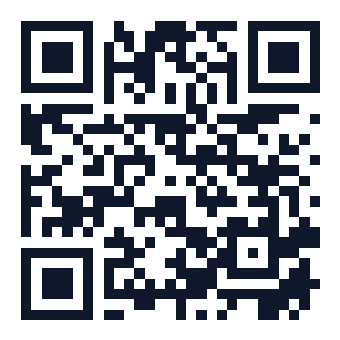
On a computer? Scan this with your phone camera to open this page there.
How to install
- Tap the Download button above. The file iVa-v1.0.1-test.apk will save to your phone.
- Open the downloaded file (from the notification, or Files → Downloads).
- Android will ask to allow installs from this source — tap Settings and turn on “Allow from this source”, then go back.
- Tap Install, then Open. Log in with your teacher or parent credentials.
📱 This is the Android app. iPhone / iPad users don't need to install anything — just open the web app and log in from your browser.
If a teacher already has an older iVa installed, uninstall it first, then install this one.